

Live Video and Videowalls
Live video shows connected cameras in grids, one at a time and on videowalls. A grid is sized to the screen, and a camera opens alone with pan, tilt and zoom. A videowall runs in a browser on a guard desk or control room display.
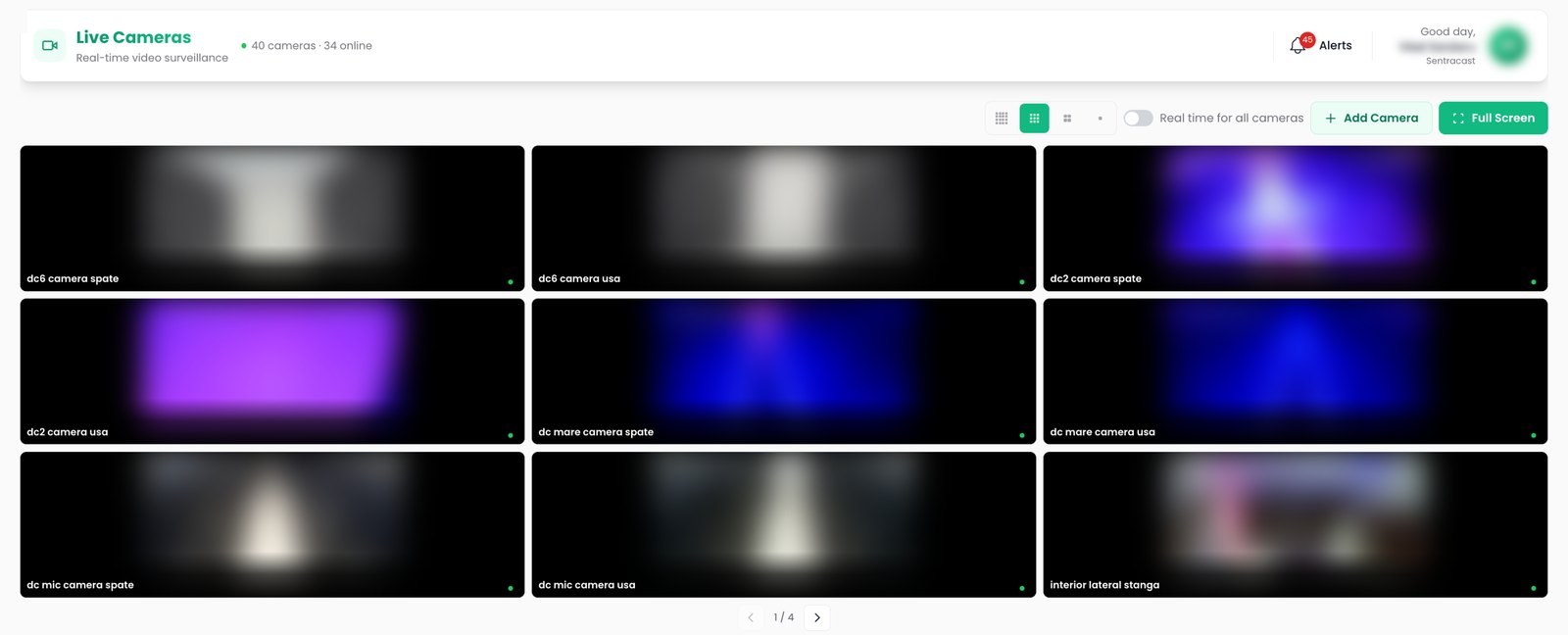
Camera grids
One, four, nine or sixteen tiles, each with the camera name, a recording mark and the reason a source is down.
Pan, tilt and zoom
Fine steps on tap, presets saved and recalled by name, and controls that appear only on cameras that support them.
Videowalls
Saved walls open on a dedicated display, recover from stream failures on their own and pick up edits while on screen.
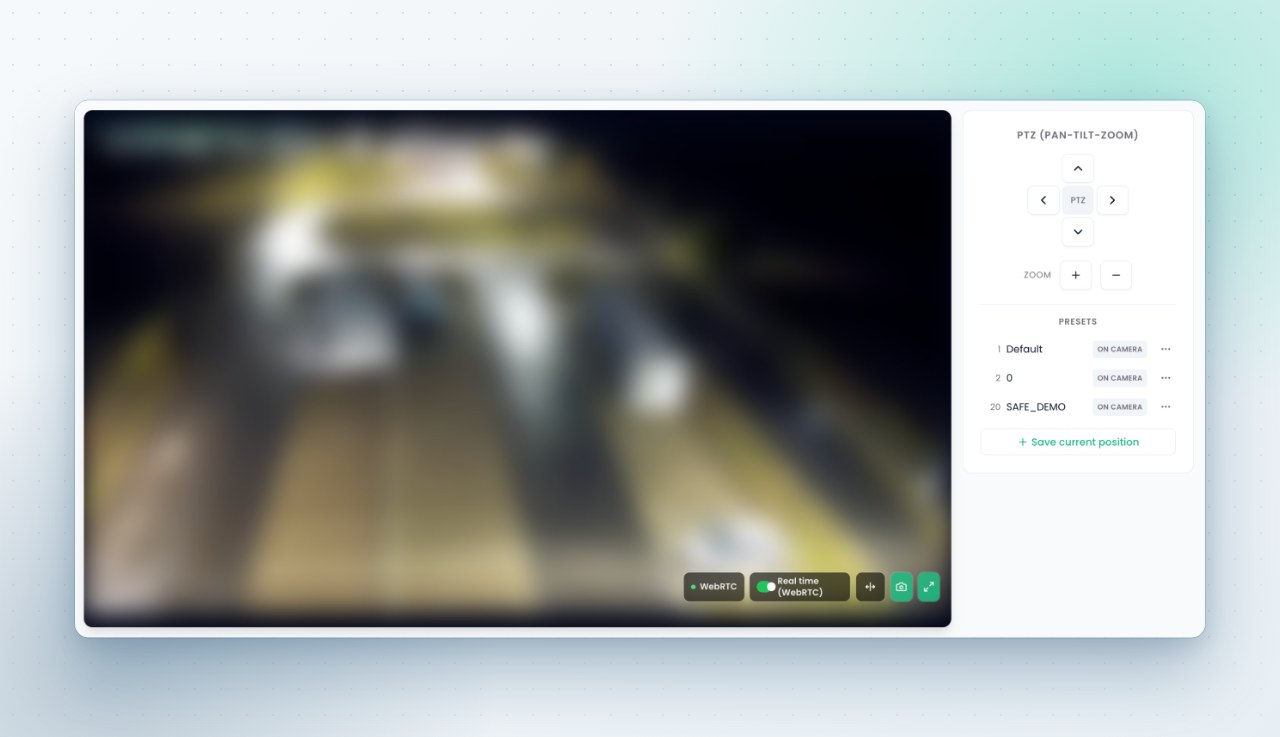
Single camera view
A camera opens to a full view with live detection drawn over the picture, camera details, a screenshot button and native fullscreen. Cameras with pan, tilt and zoom get a control pad, presets and a cap on continuous movement, so movement stops on its own.
- A live overlay of what the engine sees, on the same stream the operator watches
- Low latency delivery with automatic transport fallback
Videowall editor
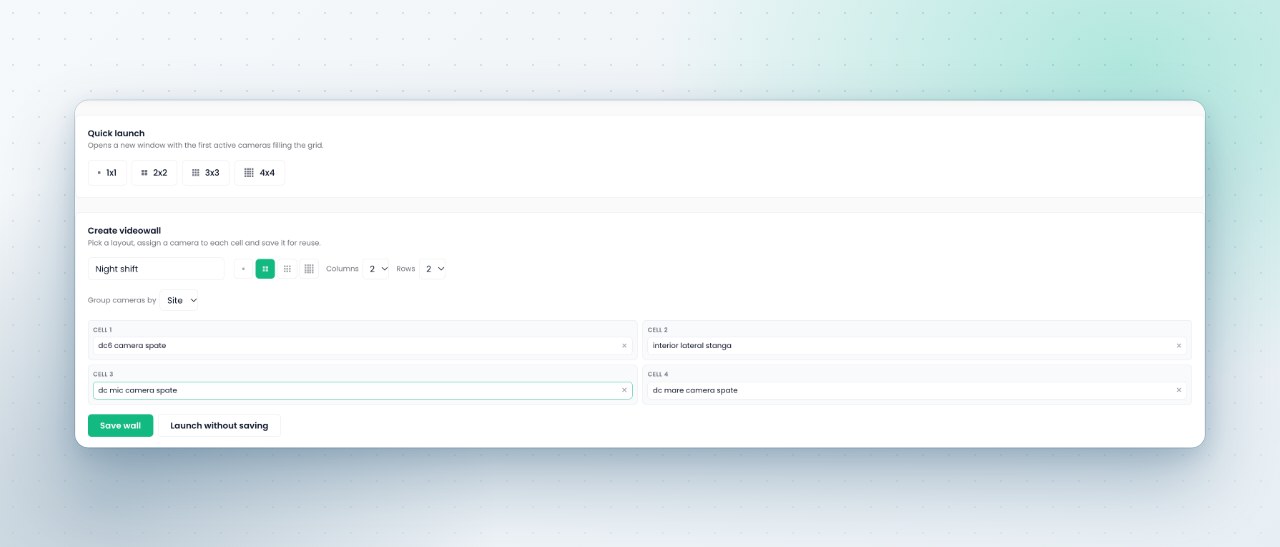
A wall is a layout, a camera in each cell and a name. It opens on the second monitor of a guard desk or on the main display of a control room. A saved wall can be edited while on screen, and the display picks up the change by itself.
- Quick launch from the first active cameras, with no saved layout
- Walls shared with the team or kept personal
- Tile arrangement saved per layout
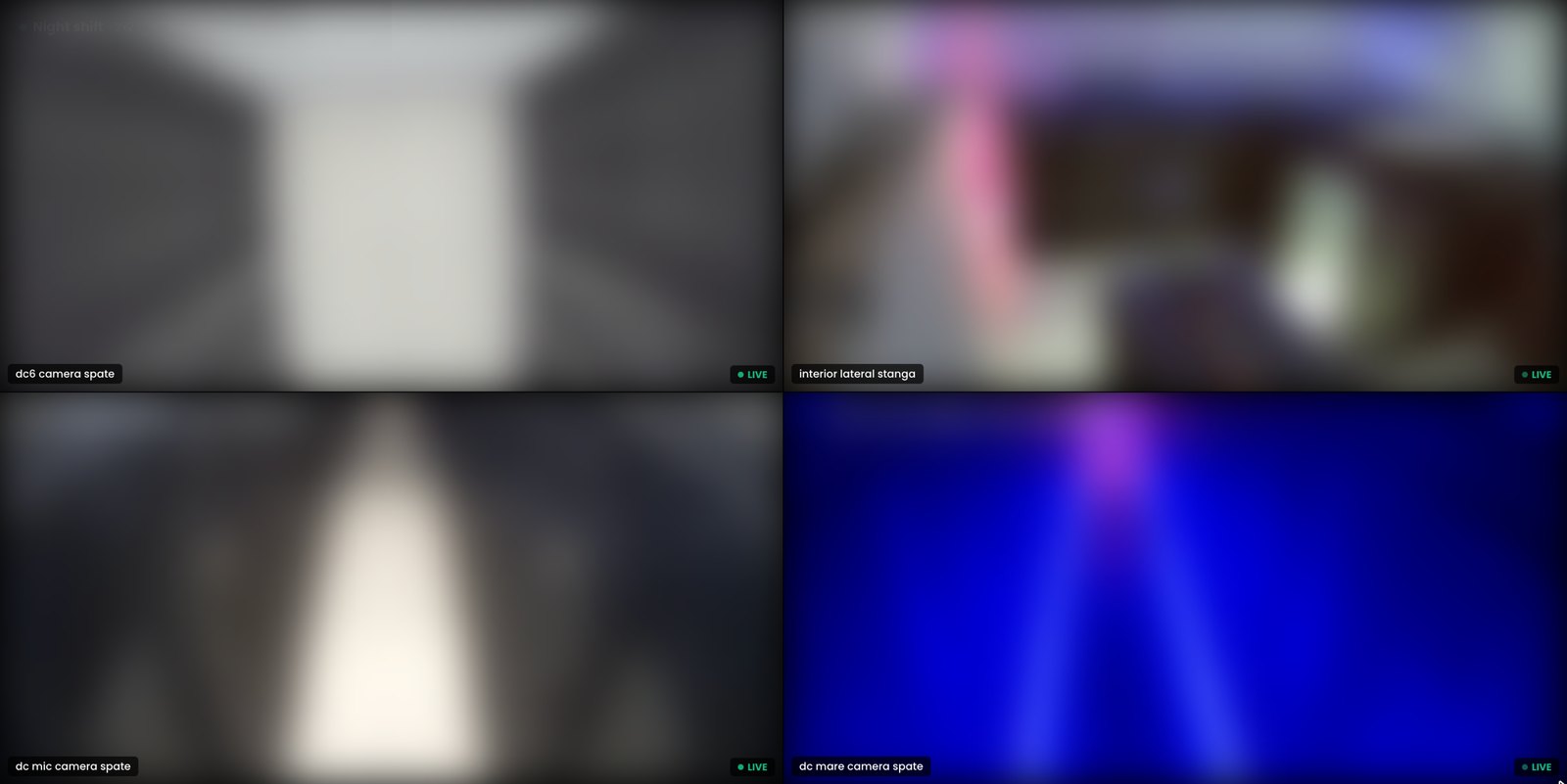
Unattended display mode
The wall view hides its controls and cursor, shows a name chip and a live mark per cell, places an offline placeholder that retries on its own, and keeps a wall clock in the operator's chosen format. Counting lines can show their live figures over the picture.
The other capabilities
See it on your own cameras
A demo can run on your cameras or on a Sentra demo site, self hosted or hosted by Sentra. Tell us which events and figures you need, and we prepare it.