

AI Detection and Alerts
The AI engine runs on the server and analyzes every connected camera. It recognizes and follows people, vehicles, bags, animals and dumped waste. An event that meets a rule becomes an alert with a snapshot and a clip, on the console and in the mobile app.
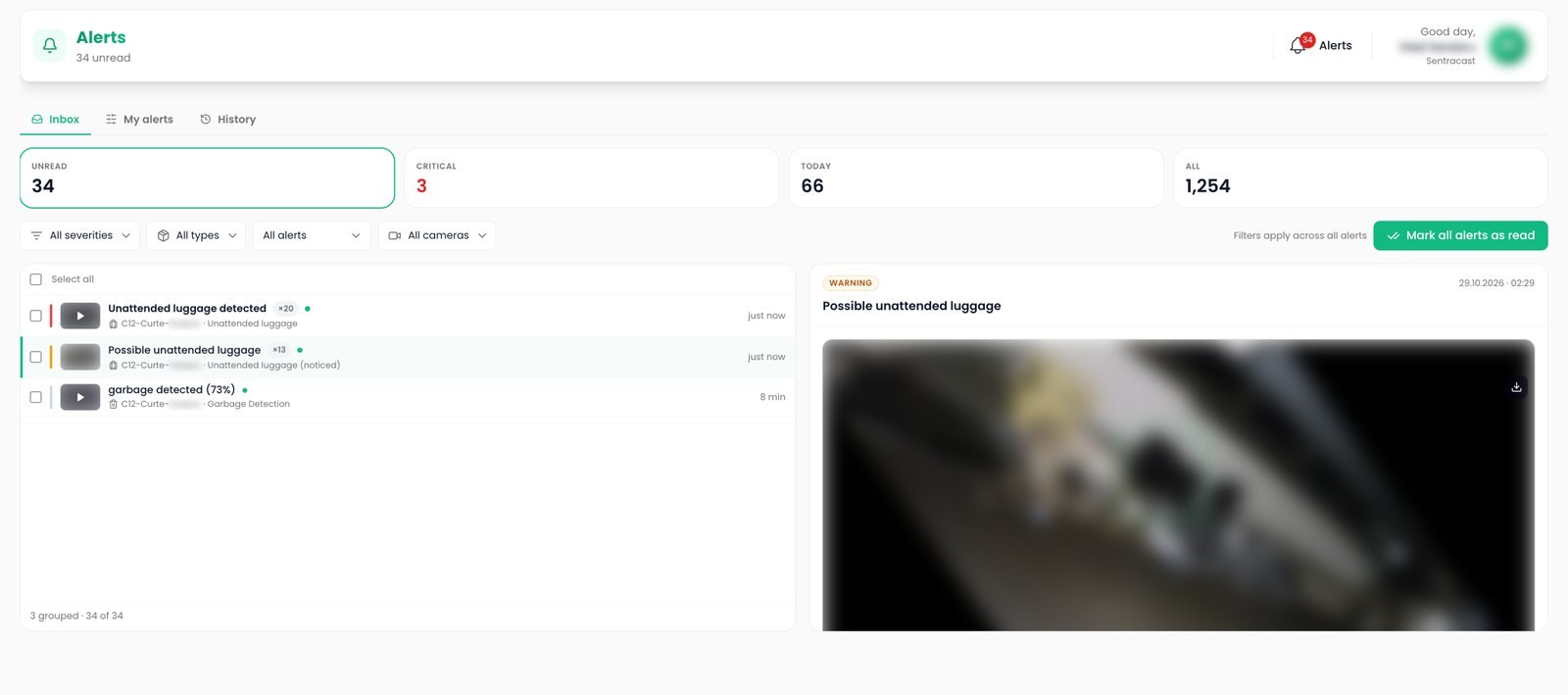
Zone editor
Loitering zones, alarm lines, unattended object rules and person down areas are drawn on the camera picture.
Alert grouping
One alert per object, repeats grouped, and a second check before a borderline detection reaches anyone.
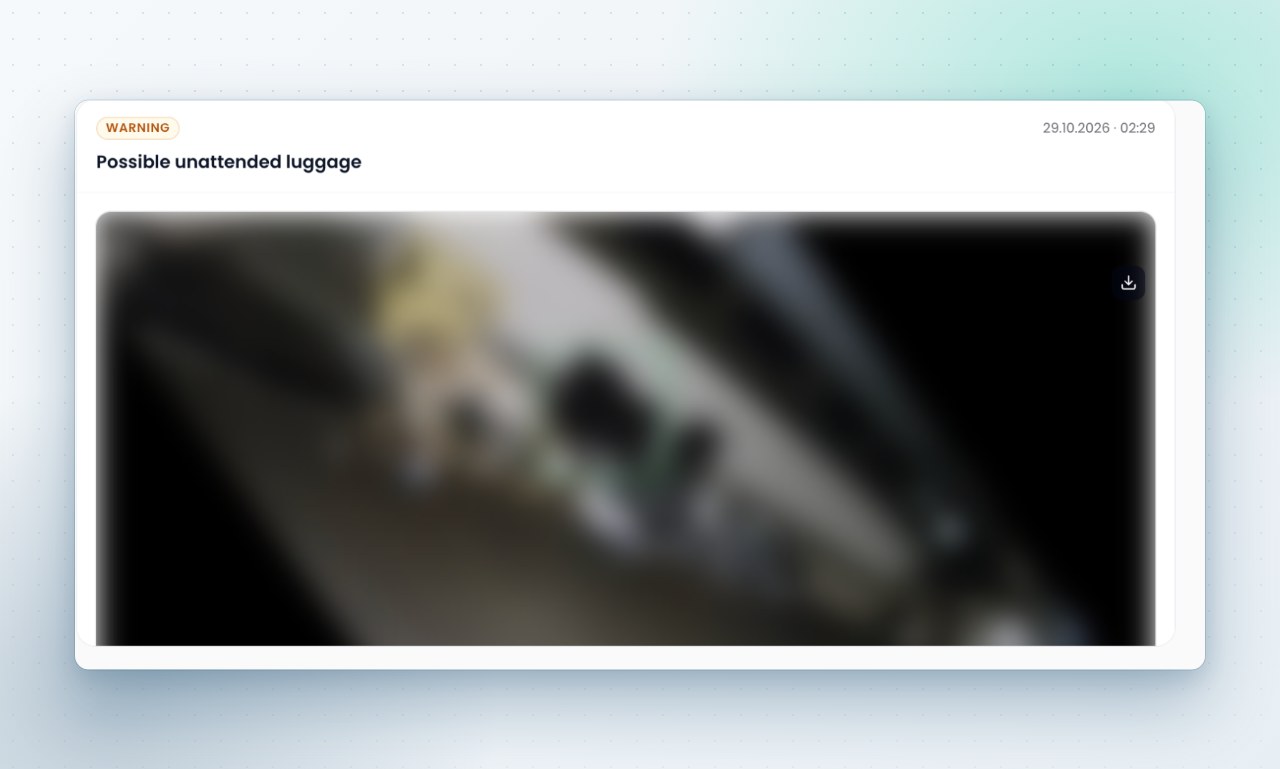
Alert evidence
An annotated snapshot and a short clip from before and after the event, for replay or export.
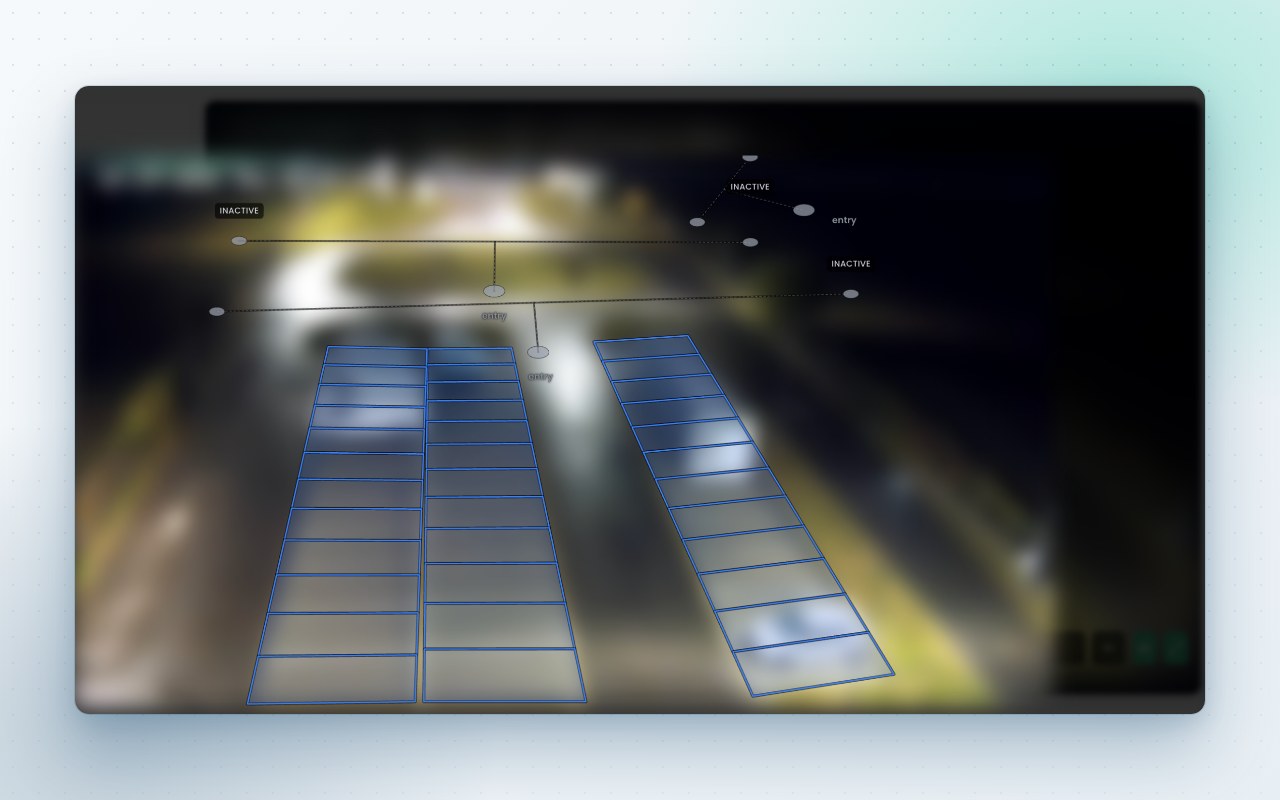
Rules on the camera picture
The zone editor draws each shape on a frame from the camera: loitering areas with a dwell time, alarm lines with a direction, person down areas with a time on the ground, and the bays and arms of the analytics modules. Shapes keep a history, and an alert points at the shape version that raised it.
- Loitering that needs both dwell time and a movement pattern
- Alarm lines that fire with, against or across the arrow, and can count at the same time
- Unattended bags judged over time, with companions and returning owners taken into account
Alert inbox
An alert is a snapshot with the object outlined, a clip cut from a rolling buffer before and after the moment, the camera, the time and the severity. Operators acknowledge for the team or mark as read for themselves, and confirm or reject with a reason. That feedback goes back into the model.
- Critical events such as a person on the ground resolve themselves once the spot is clear
- Events from recorders and camera side analytics land in the same inbox as the engine's own
- A fixed camera can drive a pan, tilt and zoom camera to the spot for a close up
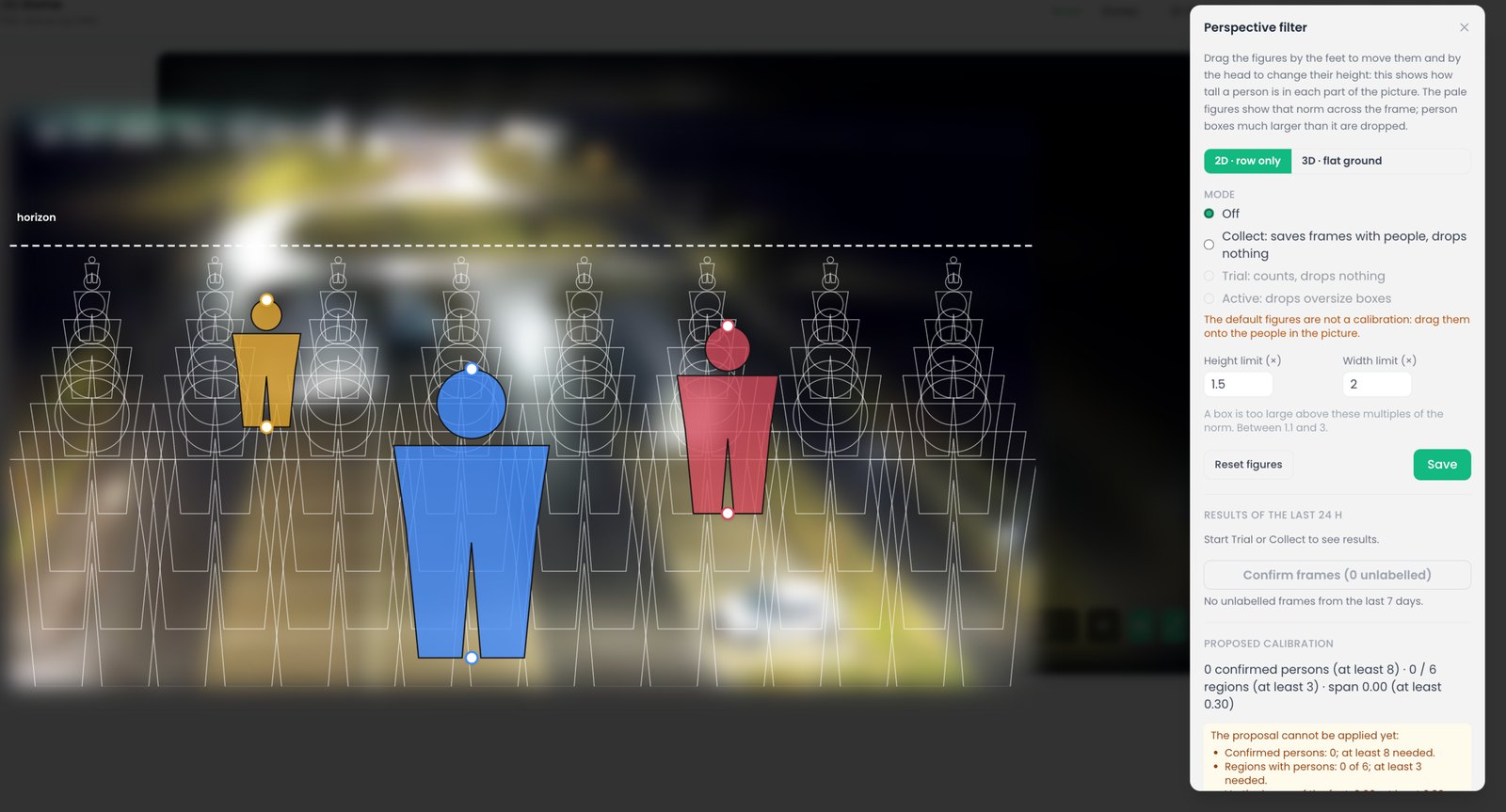
Perspective filter
Two figures dragged onto the picture, one near and one far, teach the engine how tall a person looks in each part of the frame. A detection too large for its place, such as a shadow, a reflection or a coat on a chair, is dropped before it becomes an alert. A trial mode shows what would have been dropped in the last day.
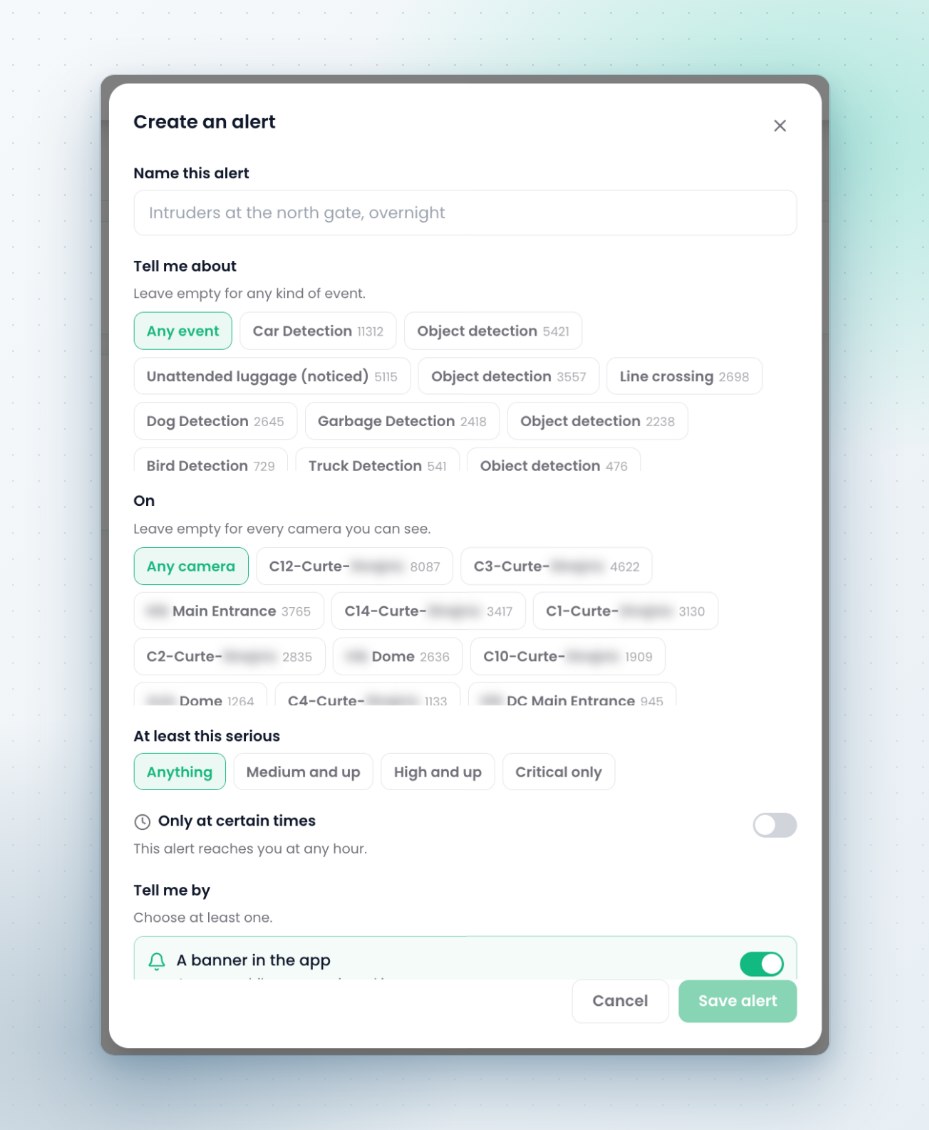
Personal alert rules
Each user sets personal rules: which events, on which cameras, from which severity and at what hours, delivered as a banner, a sound, an email or a push notification. A rule shows how many alerts it would have matched last week. Quiet hours still let alerts above a chosen severity through, and a panel states how many a rule has hidden.
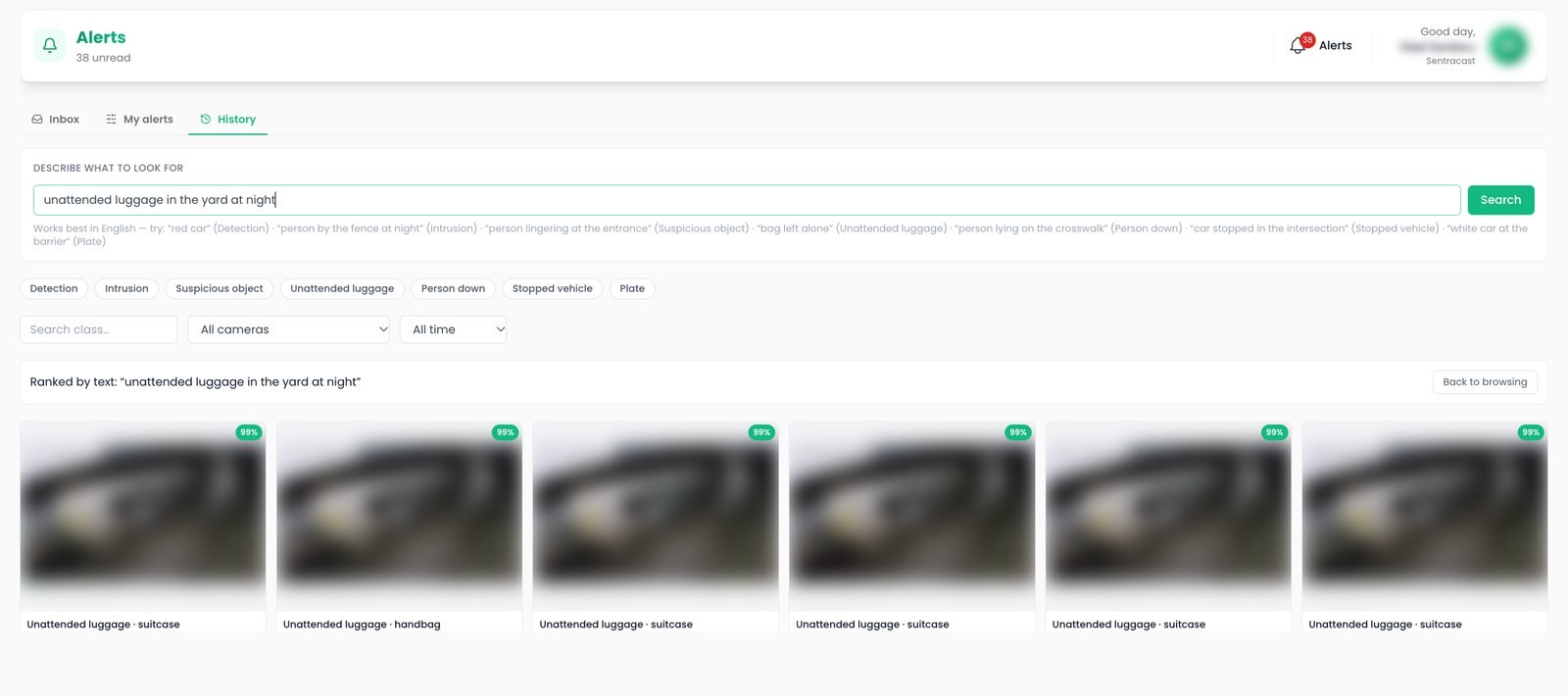
Alert history search
The alert history answers questions typed in plain language: a person lying on the crosswalk, a white van near the entrance, someone lingering at the gate. Results open in the inbox with their evidence.
The other capabilities
See it on your own cameras
A demo can run on your cameras or on a Sentra demo site, self hosted or hosted by Sentra. Tell us which events and figures you need, and we prepare it.