

Heatmaps
Heatmaps record where people and vehicles were seen and how long they stayed. The maps are drawn hour by hour over a fresh frame from the camera. Examples: which displays in a shop draw traffic, which corner of a square fills first, where a queue forms in a depot.
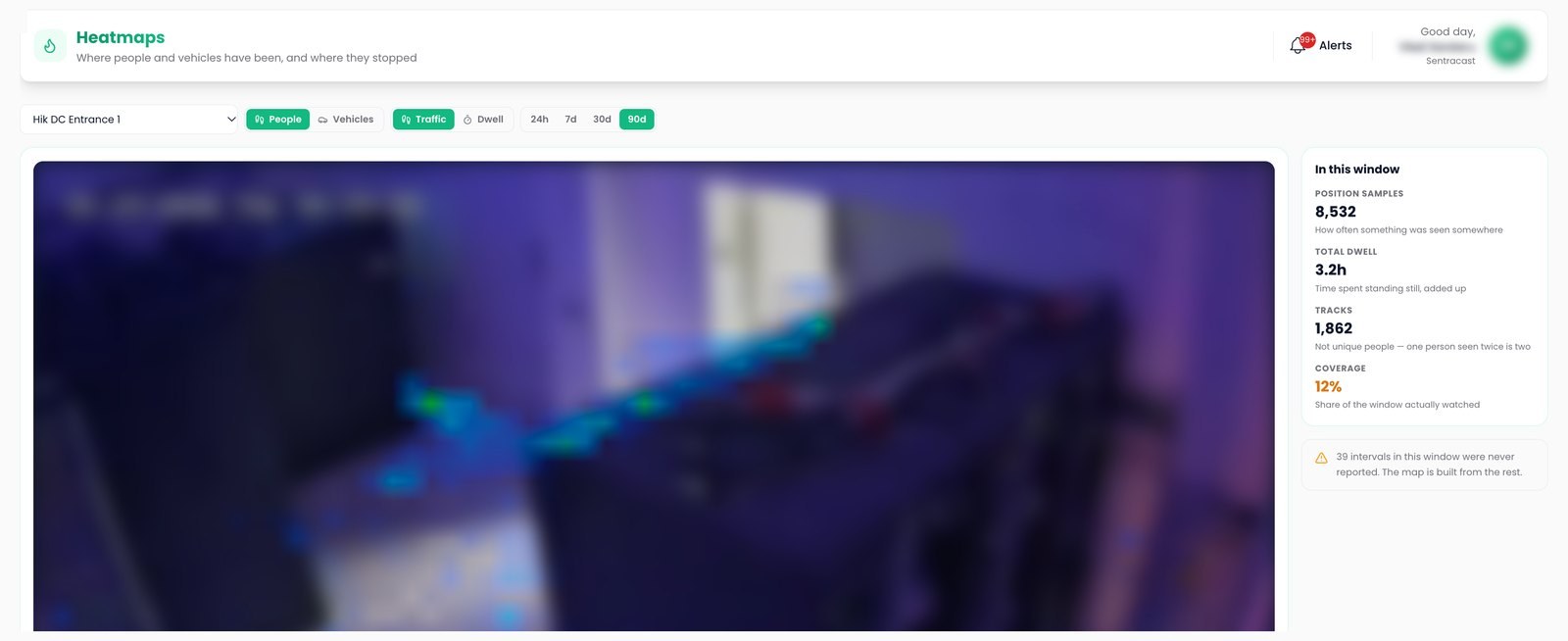
Traffic and dwell
Two maps per camera: where objects passed, and where they stayed. People and vehicles are mapped separately.
Time windows
Windows of a day, a week, a month and three months, with a busyness timeline and totals for the window.
Ground calibration
A known rectangle marked on the floor converts density from pixels to people per square meter.
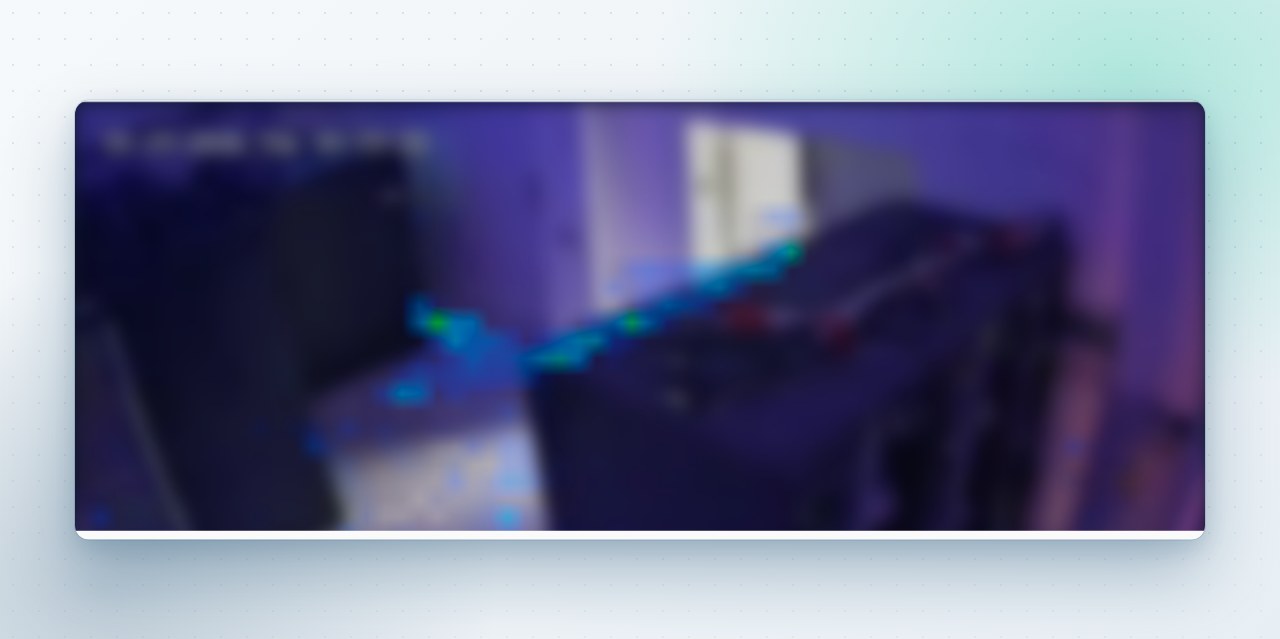
Overlay on the camera frame
The overlay sits on an hourly reference frame from the camera itself, so a hot spot corresponds to a place in the picture. The view switches between people and vehicles, traffic and dwell, and the map follows the selected window.
Coverage per window
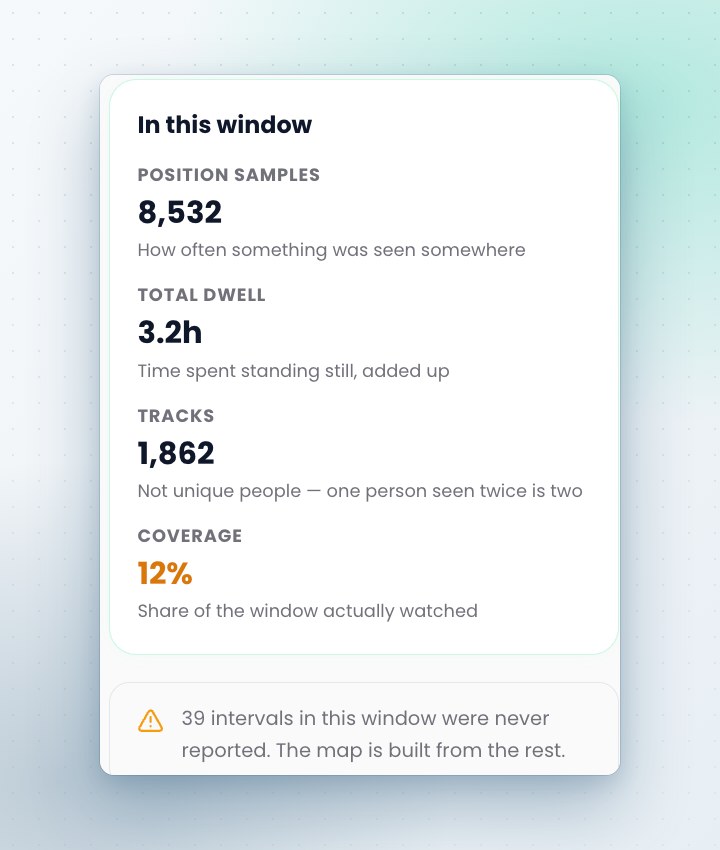
Each window states its samples, its total dwell, its tracks and its coverage. Intervals with no reports are left out of the map, and a camera without ground calibration is labeled as such.
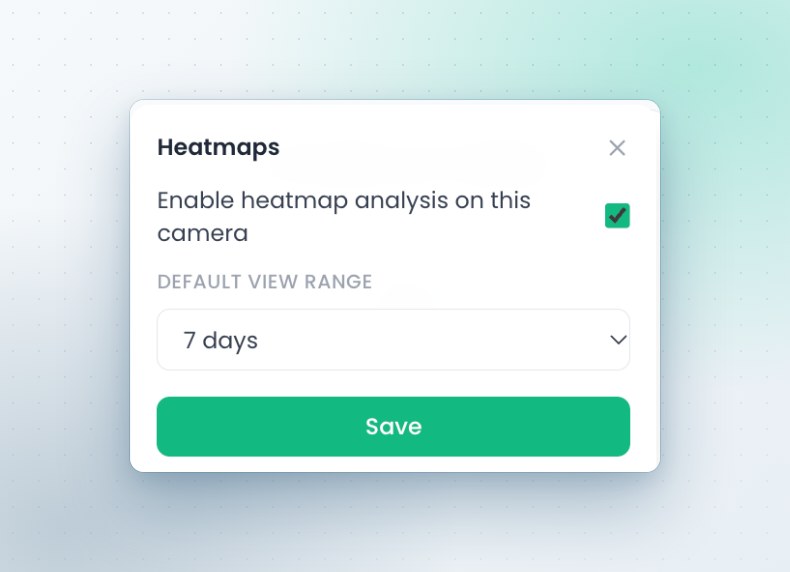
Activation per camera
Heatmaps are enabled per camera with a default view range; the first map appears after the first full hour of data. Hourly maps are kept for two months and daily maps for year on year comparison.
The other capabilities
See it on your own cameras
A demo can run on your cameras or on a Sentra demo site, self hosted or hosted by Sentra. Tell us which events and figures you need, and we prepare it.